
In this guide 8 sections
Read-aloud audio is available in supported browsers.
Which numbers matter in a GTA 6 clipping campaign?
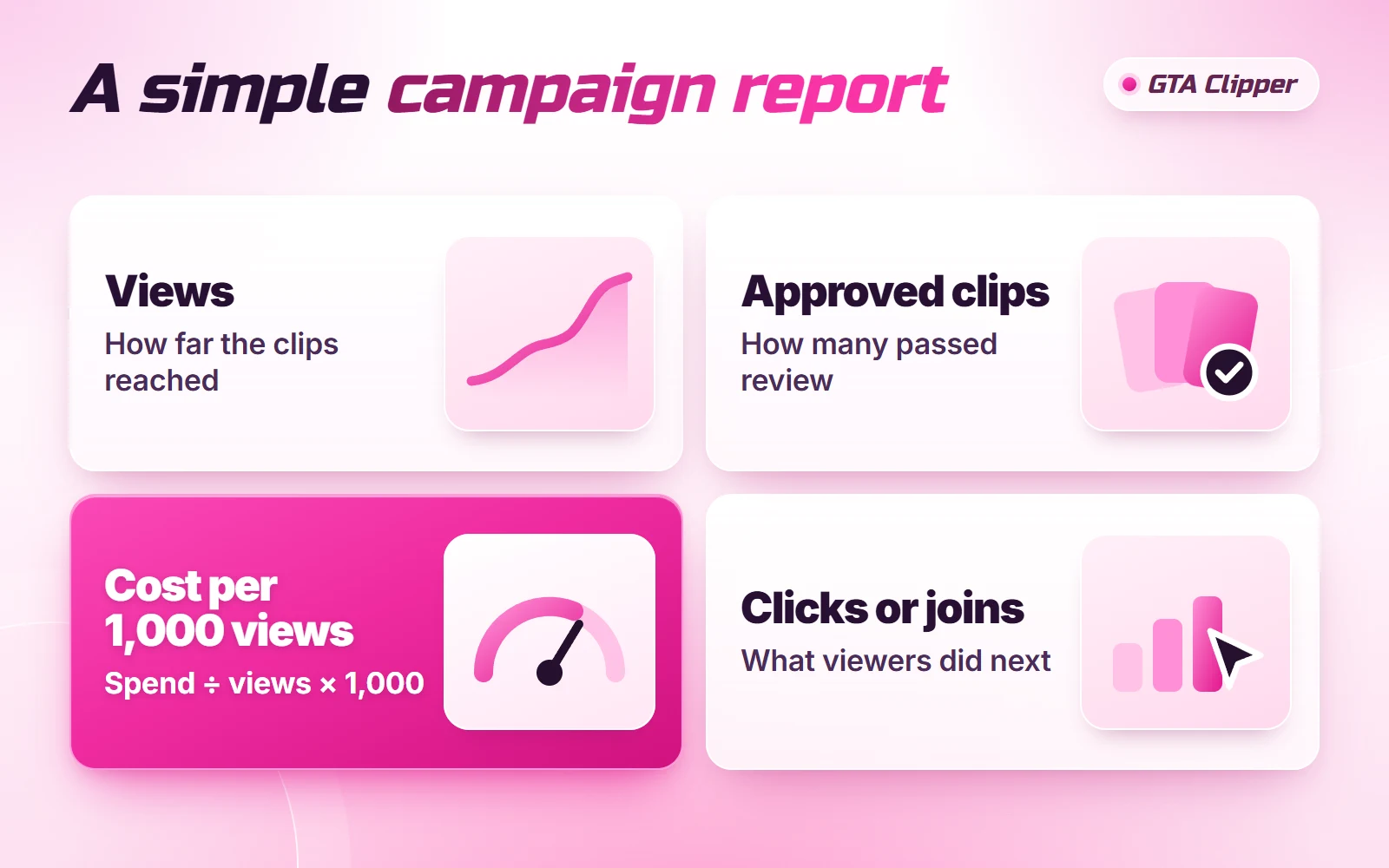
Four numbers tell you most of what you need to know.
- Approved clips. How many clips passed review.
- Total views. The views on those approved clips, added up.
- Cost per 1,000 views. What you spent, divided by those views.
- Clicks or joins. What people did after watching: followed you, joined your Discord, applied to your server.
The first three tell you what you bought. The fourth tells you if it was worth buying. If clipping is new to you, read what GTA 6 clipping is first.
How do you work out cost per 1,000 views?
Divide your total spend by your total views, then multiply by 1,000.
total spend ÷ total views × 1,000 = cost per 1,000 views
Here is an example. You spend $1,200 in total: $1,000 in creator rewards plus the 20% campaign fee of $200. Your approved clips reach 1,000,000 views. $1,200 ÷ 1,000,000 × 1,000 = $1.20 per 1,000 views.
Use your total spend, not just the rewards. The fee is part of what those views cost you. So are any payment processing fees.
Why can your real cost be lower than your rate?
Because of the cap. Each campaign sets a maximum payout per clip. A clip stops earning when it hits that cap, so every view after that is free to you.
Say your rate is $1 per 1,000 views and your cap is $50. A clip with 50,000 views earns $50. If it climbs to 200,000 views, it still earns $50. For that clip you paid $0.25 per 1,000 views.
A few big clips can pull your average down this way. How CPM and caps work shows the same sum from the clipper's side. To try your own rates and view counts, use the clipping earnings calculator.
It can go the other way too. If clips get few views, part of your rewards budget may not be earned. Your campaign agreement should say what happens to that money, so check it before you start.
How do you track clicks and joins from clips?
This is the hard part. Clips sit on the clippers' accounts, not yours, and most viewers will not tap a link. They search your name or tap the account a clip mentions. So use three simple checks.
- One invite for the campaign. Make a separate Discord invite link and put it on the profile your clips point to. Discord shows how many times each invite was used.
- Before and after. The day before you start, write down your followers, Discord members and average stream viewers. Check the same numbers every week.
- Ask. Add "Where did you find us?" to your server application or Discord welcome. One line gets you real answers.
None of these is perfect. You will not trace every new follower back to one clip. Together they show if your numbers move while the campaign runs.
Which clips should you study one by one?
Look at your five most viewed clips and your five least viewed approved clips. For each one, note four things.
| What to note | What it tells you |
|---|---|
| The first two seconds | Which openings made people stay |
| The platform | Where your content travels best |
| The moment that was clipped | What to stream or record more of |
| The length | If shorter or longer clips did better for you |
Patterns matter more than single clips. If four of your top five open with the same kind of moment, put that in your next brief. Writing a campaign brief shows how to turn a lesson into a rule.
Look at rejected clips as well. If many fail for the same reason, the brief is unclear, not the clippers. What reviewers check can help you tighten it.
What should a simple campaign report look like?
One small table is enough. Fill it in once a week, and once more at the end.
| Line in the report | Where the number comes from |
|---|---|
| Campaign dates | Your campaign agreement |
| Total spend | Everything you paid, fee included |
| Clips submitted and approved | Your review list |
| Total views | Views on approved clips, added up |
| Cost per 1,000 views | Total spend ÷ total views × 1,000 |
| Best platform | The one with the most views per clip |
| Clicks or joins | Your campaign invite and your before and after counts |
| One thing to change | Your notes on the top and bottom clips |
Keep each report. After two or three campaigns, the reports side by side will show you more than any single one.
When should you check the numbers?
Check once a week while the campaign runs. Do the final count about ten days after the last clip is approved.
Here is why. On Content Rewards, a clip on a CPM campaign earns for 7 days after approval. The payout is then held for 3 days. If you count sooner, your views and your spend will both look too low.
Do not judge a clip on its first day either. It can pick up views at any point in those 7 days.
What can the numbers not tell you?
- Views are not people. One person can watch a clip three times. A million views is not a million viewers.
- Views are not joins. A clip can do well and still send nobody to you if your name is not on it.
- One campaign is one test. Results change with the footage, the week and the clippers. Nothing is guaranteed.
Still deciding how to spend your next budget? Compare clipping, UGC and influencer deals before you commit.
Read next: GTA 6 Clipping Pay: CPM, Caps and Real Examples · How GTA 6 Clips Get Reviewed and Approved · How to Write a GTA 6 Clipping Campaign Brief