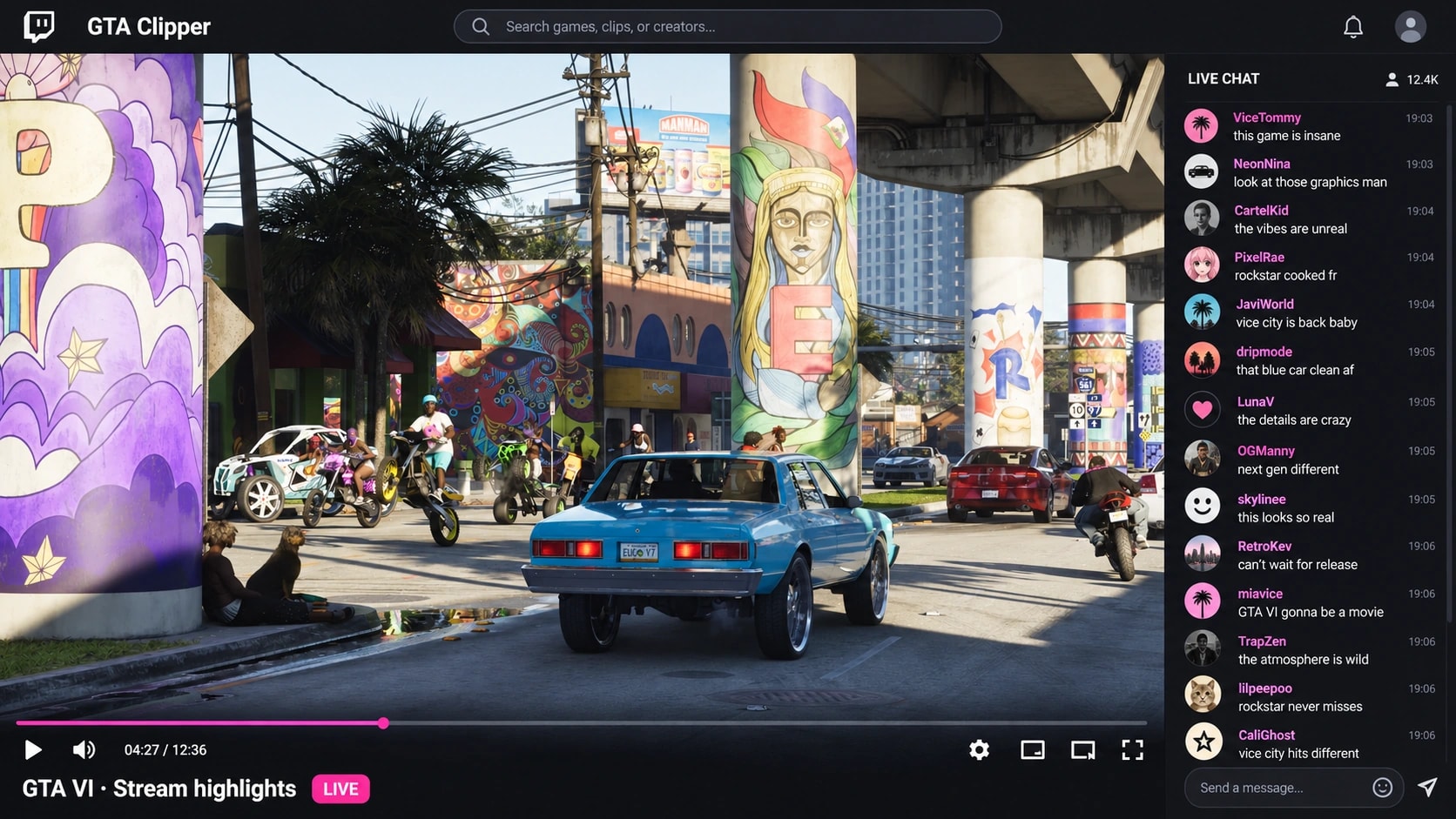
What makes a GTA 6 stream clip worth watching
An essential feature that makes the best clips from streams so special for fans sometimes is rather your dry wit or ability to find a solution to a conflict, but not just a huge reaction on your actions. A clipping campaign will make it easier for a new viewer to identify this unique feature of yours without sitting through the three-hour live stream. To do that you first need to define who you are targeting and what is the relevant moment to promote.
Choose the target channel and only then select the posting frequency for the campaign. It can be your upcoming broadcast, YouTube channel, or some community account of yours. Give to your editors your channel title and clear call-to-action. But since the clip might be designed for new viewers who have no idea of you, include a necessary amount of context. It should look relevant to your channel in general.
Prepare stream footage and VODs for clippers
A structured and precisely described sources list would be helpful for you regardless of what stage you are at the moment of the promotion. Add to it the date when it was recorded, the link for the approved recordings, the timestamps of the footage used, the names of the persons, the parts of the video that shouldn't be used. Determine what of the following you let your editors use in the clip: your facecam, layout cropping, subtitles and even merging of your streams if required. Any guests that appear in your stream should have permissions for that too.
Separate the right to watch the stream from the right to edit and repost. Additional permissions would be required if your clip would be based on the reactions, any other audio tracks, or clips made from others' recordings. Don't forget that something you recorded can be not your property - read our guide on GTA 6 stream clipping to find out what information should be in your sources list. Even a small sources list is better than the access to the infinite archives belonging to others.
Test GTA 6 clip edits while keeping your voice
Different posting destinations mean different editors with the opportunity to find the right way for opening the clip for themselves and their followers. One uses payoff as a hook and the story as the body of his video, while the other tries to stay consistent throughout the conversation because the set-up itself is the whole joke. Such elements of the editing process you determine with your briefing, while your channel credit, captions, proper sponsorship disclosure, and forbidden edits are the fixed requirements to any clip from your stream.
Avoid requesting identical edits from the editors just adding new caption, but try to justify them through another piece of your content or a completely different explanation. Provide your editors with enough information for understanding the exact meaning of your phrase since cutting your statement in half may attract the attention but won't represent the right meaning. Look over the samples before launching the campaign for better understanding of what is a good clip and what isn't.
GTA 6 stream clipping budget and pricing
GTA Clipper clipping campaign begins with the $1,000 reward budget. Our campaign fee of 20% of this budget makes a total budget of $1,200 before additional third-party fees, if any. The campaign terms should state the information about your budget, your fee, provider and any other third-party fee separately. Find more information in the campaign budget and fee breakdown.
CPM means cost per thousand eligible views of your clip. But this term does not indicate how many views you will have in general, because, for example, CPM of $2 with 20,000 approved eligible views makes $40 sum of gross rewards budget before caps and provider deductions. So determine the earning window and max rewards sum per clip in addition to other viewing criteria you want.
How stream clips are reviewed before rewards
Campaign review has two sides for checking – whether the post meets all the briefing requirements, and what number of views are qualified for rewards. All the information about the source footage, captions, channel credit, sponsorship disclosure, destination link and posting accounts should be checked before the payment. Document all rejection reasons to let the clipper understand whether he can make changes in his post. Change of the criteria after posting is rather difficult task for both of you.
Track the performance of your channel after the campaign impressions are calculated for possible first impression. Compare the approved date of posting with your visits, followers, and number of live stream attendees understanding that these metrics wouldn't prove the new views coming due to your campaign. Write down the moments that bring your ideal audience. Our clipping campaign analytics guide would assist you in analysis of the numbers you got in distribution metrics and channel metrics.
How to launch your first streamer clipping campaign
There is no need for starting the campaign with your full archive of content. Choose the authorized moments you want to launch in, define your ideal audience and your goals of the campaign. Mention the preferred destination platforms for the distribution of your footage and timeframe for the response. Remember that you are promoting your stream now that should differ from the future GTA 6 game somehow. Don't mistake the footage of another game with GTA 6 footage.
Use the campaign application to send your goals, content, budget, and contact details to our team for qualification review. The preparation of the campaign brief doesn't involve the charging of your card or launching of the campaign – for the funding, provider setup and terms confirmation is required before the launch of the campaign. Read the list of clipping campaign directory and use the results of the run for preparing a better sources list for the next campaign.