
In this guide 8 sections
Read-aloud audio is available in supported browsers.
What makes a GTA 6 moment worth clipping?
A moment is worth clipping when a stranger can follow it in two seconds with the sound off. The 25 ideas below are clip types in eight groups, each with one line on why it works.
Every idea here is a kind of moment, not a claim about what is in the game. What you clip depends on what happens in your own play, or in a stream you are allowed to cut. For the paid side, see how clipping GTA 6 works.
Before you save a moment, ask three things:
- Can you say what happens in one short line?
- Does it have a clear end, like a crash, an escape or a laugh?
- Would you send it to a friend?
Two yeses are enough to cut it.
Which chase and crash clips work?
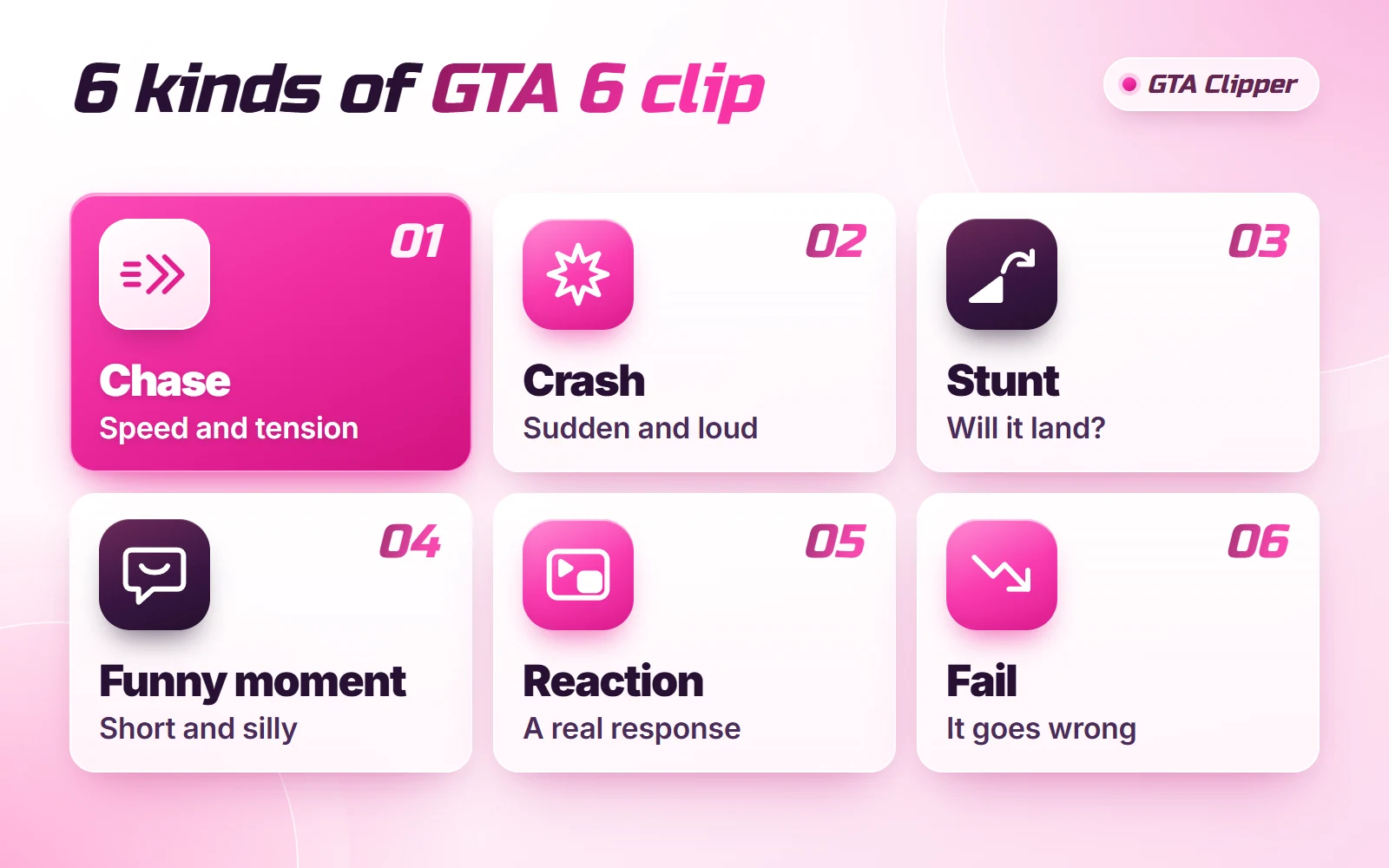
Chases and crashes are the easiest clips to follow, because the goal is clear without any words.
Chases
- 1. The clean getaway. It has a start and a finish, so people stay to see if you make it.
- 2. The chase that falls apart. Viewers can feel it going wrong, and they wait for the second it does.
- 3. The close call. One near miss at full speed is enough for a whole clip.
- 4. The long chase, cut down. The three best moments from ten minutes play like a trailer.
Crashes
- 5. The crash you can see coming. The viewer spots the problem a second before you do.
- 6. The crash out of nowhere. Two calm seconds first make the hit a real surprise.
- 7. The chain reaction. One small bump that keeps growing holds people to the end.
Which stunt clips are worth posting?
Stunts work when the viewer knows what you were trying to do before you do it.
- 8. The planned jump that lands. Show the run-up, so the landing means something.
- 9. The jump that should not have worked. Luck is more fun to watch than skill.
- 10. The win after two fails. Two quick misses first make the third try feel earned.
What funny NPC moments should you clip?
Funny clips depend on timing, not on how wild the moment is.
- 11. The odd thing in the background. People like spotting it themselves, and they rewatch to check.
- 12. Bad timing. Something normal happens at exactly the wrong second.
- 13. The calm one. Someone stays still while everything around them goes wrong.
- 14. The moment nobody would believe. The clip is your proof, which is why people share it.
Do reaction and fail clips still work?
Yes. A face or a voice tells the viewer how to feel, and a fail is funny in any game.
Reactions
- 15. A streamer's first reaction. A real face sells the moment better than any caption. You need permission first, so read how to clip a streamer's footage.
- 16. Chat losing it. A fast chat next to the gameplay shows the moment was live.
- 17. Your own voice. An honest laugh or gasp over your gameplay is a reaction too.
Fails
- 18. The boast, then the fail. The setup does half the work for you.
- 19. The tiny mistake with a big cost. Everyone has made one, so everyone gets it.
- 20. The fail one second from the finish. The closer to the end, the harder it lands.
What comparison and tip clips can you make?
These take more editing, but people save them, and they do not depend on luck.
Comparisons
- 21. The plan and what happened. Two halves, with a hard cut between them.
- 22. First try and tenth try. Progress is satisfying, and it is easy to show back to back.
Tips
- 23. One thing you worked out yourself. Keep it under 20 seconds, and show it instead of describing it.
- 24. A mistake to avoid. A clip that says "do not do what I did" teaches through a fail.
- 25. How you got the shot. Show how you recorded one of your clips. If you play on PS5 or Xbox, here is how to record GTA 6 on console.
Which idea should you make first?
Start with the footage you have, not with the idea you like most.
- You play on console. Begin with crashes and fails. They are short and need little editing.
- You cut streams. Begin with reactions. The streamer's face does the work.
- You like editing. Try a comparison. You can plan it ahead.
If you are clipping for pay, the brief comes first. It says which footage and which platforms count. So look at the list of open GTA 6 campaigns before you plan a week of clips.
Do not post the same group every day. A sample week of GTA 6 posts shows how to spread the eight groups out. Every idea also needs a tidy cut, and the editing workflow for GTA 6 clips covers that part.
What should you leave out?
Some moments are not worth the risk, however good they look.
- Story spoilers. Endings and big story reveals.
- Cutscenes on their own. A string of cinematics is not a clip.
- In-game shows on their own. TV shows or performances from inside the game, posted by themselves.
- Cheats and exploits in online modes.
- Anything faked. A staged "accident" with a hook that says it was real.
Rockstar's policy lists the first four as things that get taken down. A paid campaign can be stricter, so the brief has the last word. This is not legal advice. The plain version is in GTA 6 footage you can post.